
Creating an account
There is no separate registration page. You create an account by successfully signing in for the first time via Signing in.
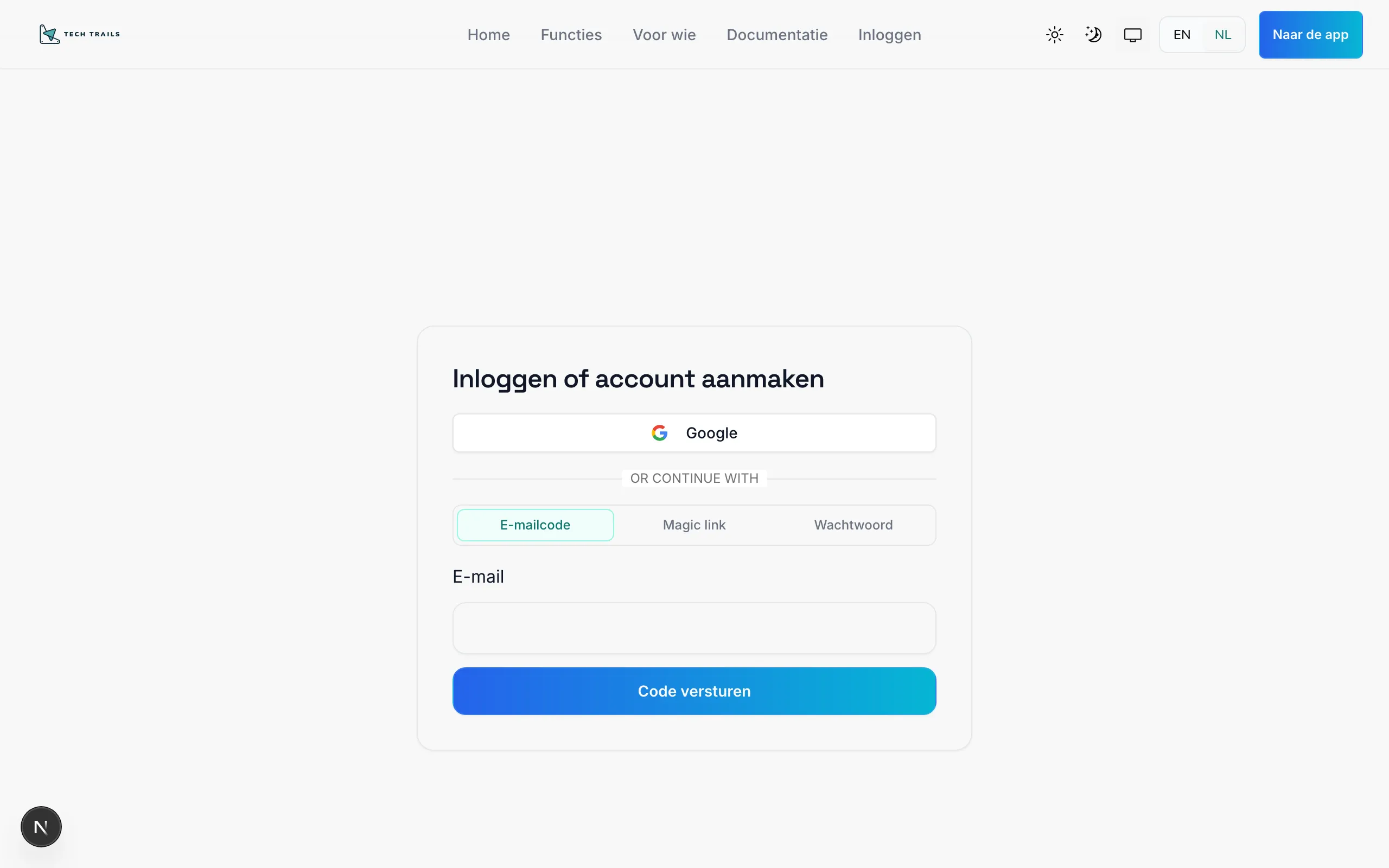
- Go to
/signin. - Choose a method (Google, email code, magic link, or password).
- For password: choose sign-up / create account when that option is shown, or follow the on-screen instructions for a new password.
- After success, your user account is created.
Which role do you get?
Section titled “Which role do you get?”| Situation | Role |
|---|---|
| Default first login | Trainee |
| Your email is on the platform admin list | Admin |
| Later assigned by an administrator | Trainer or Client |
Completing your profile
Section titled “Completing your profile”Some flows (such as invites) ask you to complete your profile (name and contact details) before you can browse or enroll in sessions. Fill in all required fields and confirm.
Troubleshooting
Section titled “Troubleshooting”- Email already in use — try signing in instead of registering again.
- Google account rejected — use the work email you were invited with, or another method.
- No email received — check spam; try email code or magic link again.