
Resetting your password
Use this flow only if you sign in with email + password. Google, email code, and magic link do not need a password reset.
- Go to
/signin. - Open the Password tab.
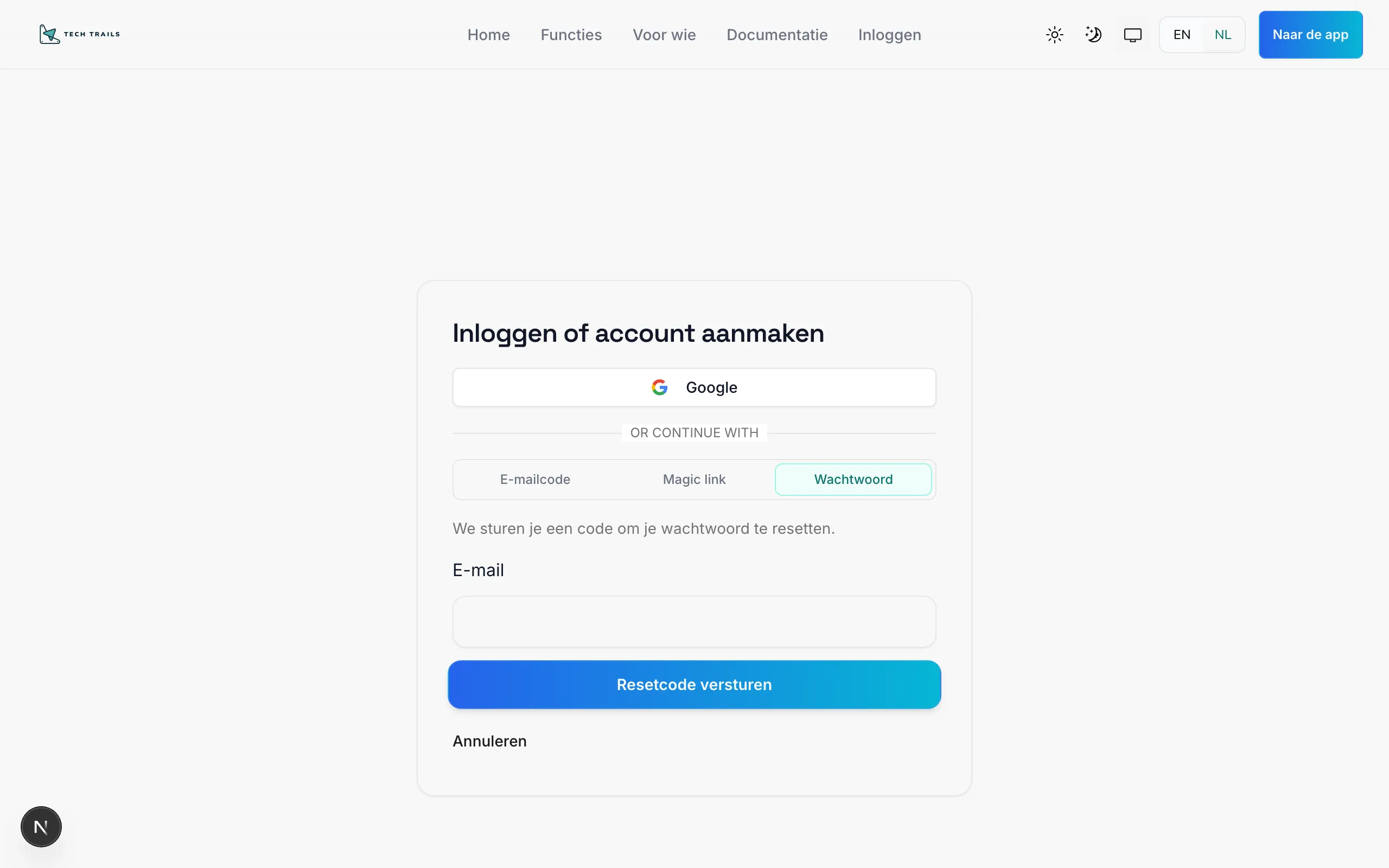
- Click Forgot your password?
- Enter your email address and request a reset code.
- Open your inbox and enter the verification code together with your new password.
- Confirm the reset, then sign in with the new password.
Still stuck?
Section titled “Still stuck?”- Check that you are using the correct email address.
- Try email code or magic link for temporary access.
- Contact your organization or a platform admin if the account seems blocked.